 |
Welcome to Compass
A
Heade36
Set to Default
|
To help you hit the ground running, we created a series of short videos that explain the Compass tools we’ll use together.
A
A
Paragraph
18
Set to Default
|
Collaborate, discuss, and monitor the market using Collections
A
AHeade
22
Set to Default
|
Collections lets you compare multiple properties—their size, neighborhood, amenities—within a visual workspace. Monitor market activity in real time, stay in constant contact with me, and invite collaborators to join in on the discussion.
A
A
Paragraph
18
Set to Default
|
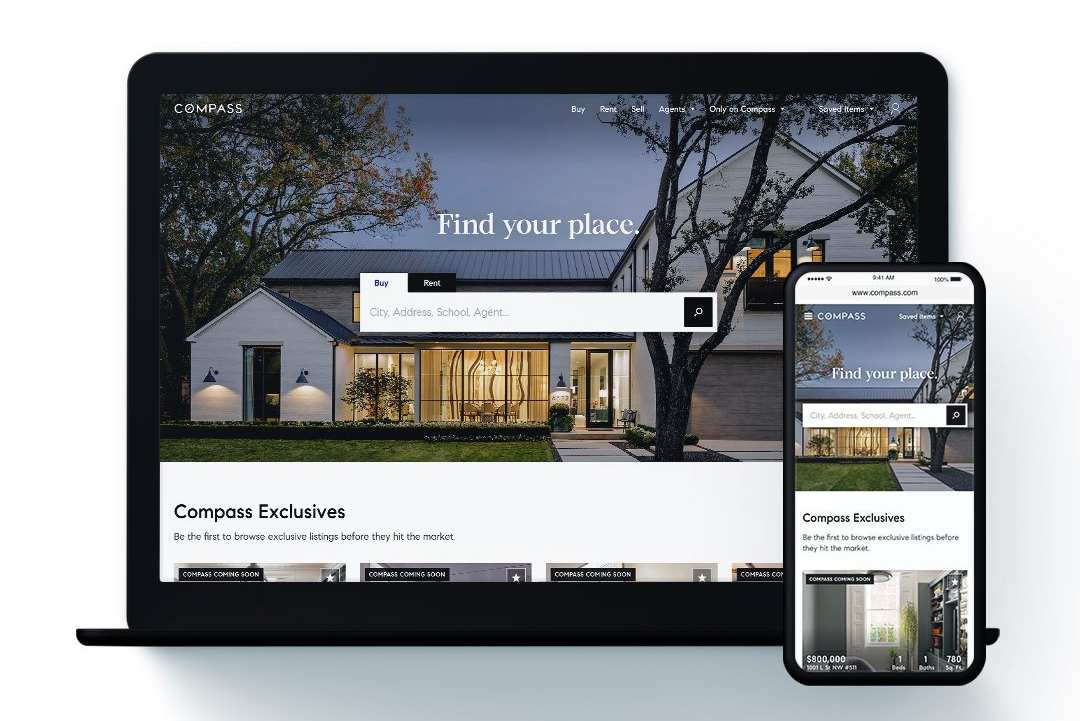
Monitor comparable listings with Compass search
A
A
Header
22
Set to Default
|
A
A
Paragraph
18
Set to Default
|
Get the best offer for your home with Compass Coming Soon
A
A
Header
22
Set to Default
|
Stay on top of the latest trends in your most desired neighborhoods with our Markets tool
A
A
Header
22
Set to Default
|
A
A
Paragraph
18
Set to Default
|
Want to learn even more?
A
A
Paragraph
18
Set to Default
|
|